 Alcedo Studio
A modern darkroom for RAW photos.
Professional grading tools, a clean interface, and a GPU engine that never makes you wait. Free and open source, for Windows and Mac.
Windows 10/11 x64 · Apple Silicon Mac · Free and open source (GPL-3.0)
New in 0.3.3
Hand the darkroom to your agent.
alcedo-cli now installs with Alcedo Studio. Claude Code, Codex, or another AI agent can open projects, import, rate, edit, search, and export, in the background or in the window you are using.
Get the Alcedo skill for your agent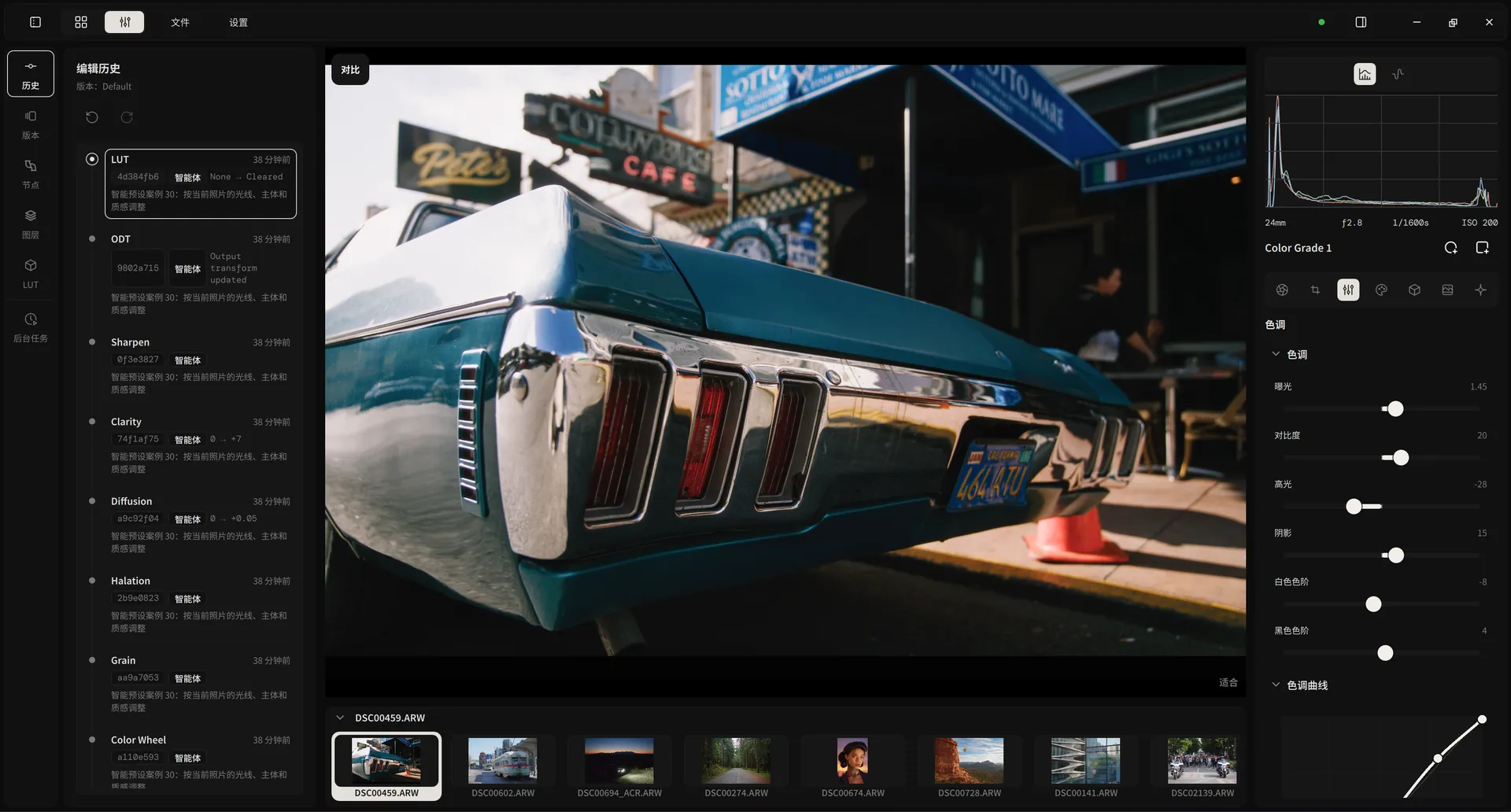
# Backlit and too dark: lift the subject
alcedo-cli --session gui call editor.batch_set '{"changes":[
  {"field":"exposure","value":0.65},
  {"field":"highlights","value":-42},
  {"field":"shadows","value":28}],
  "note":"agent: lift the backlit subject"}'
{"applied":3,…}
Beside you or in the background
Share your open window and watch every slider move, or start a headless session for a folder of photos.
You stay in charge
While an agent works, your edit controls are locked, but you can pan, zoom, and read the scopes. Stop ends its control at once.
Every edit on the record
Agent edits are marked in the history with the agent's note, and undo works on them like on your own.
New LUT browser
113 film stocks. One click each.
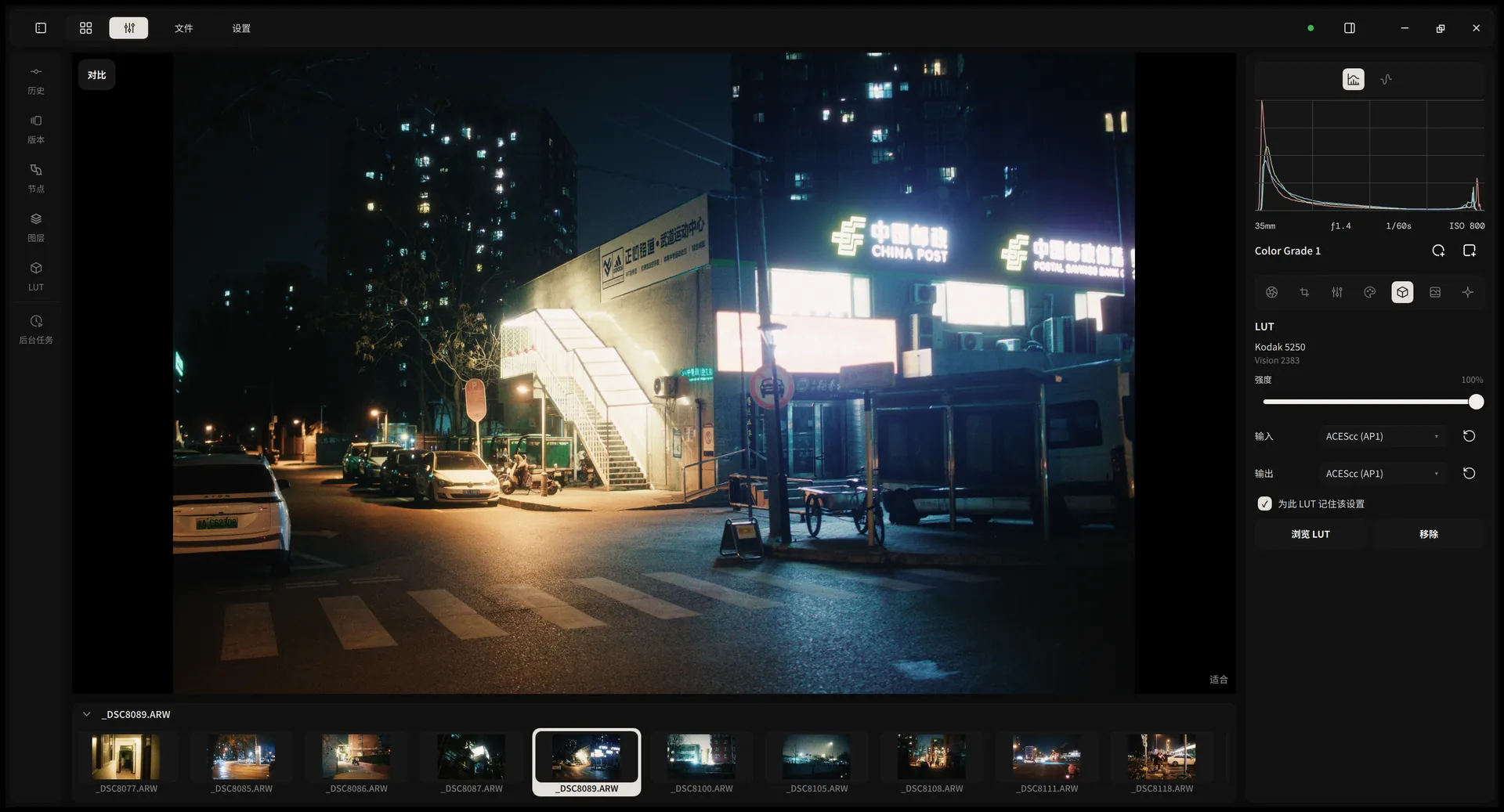
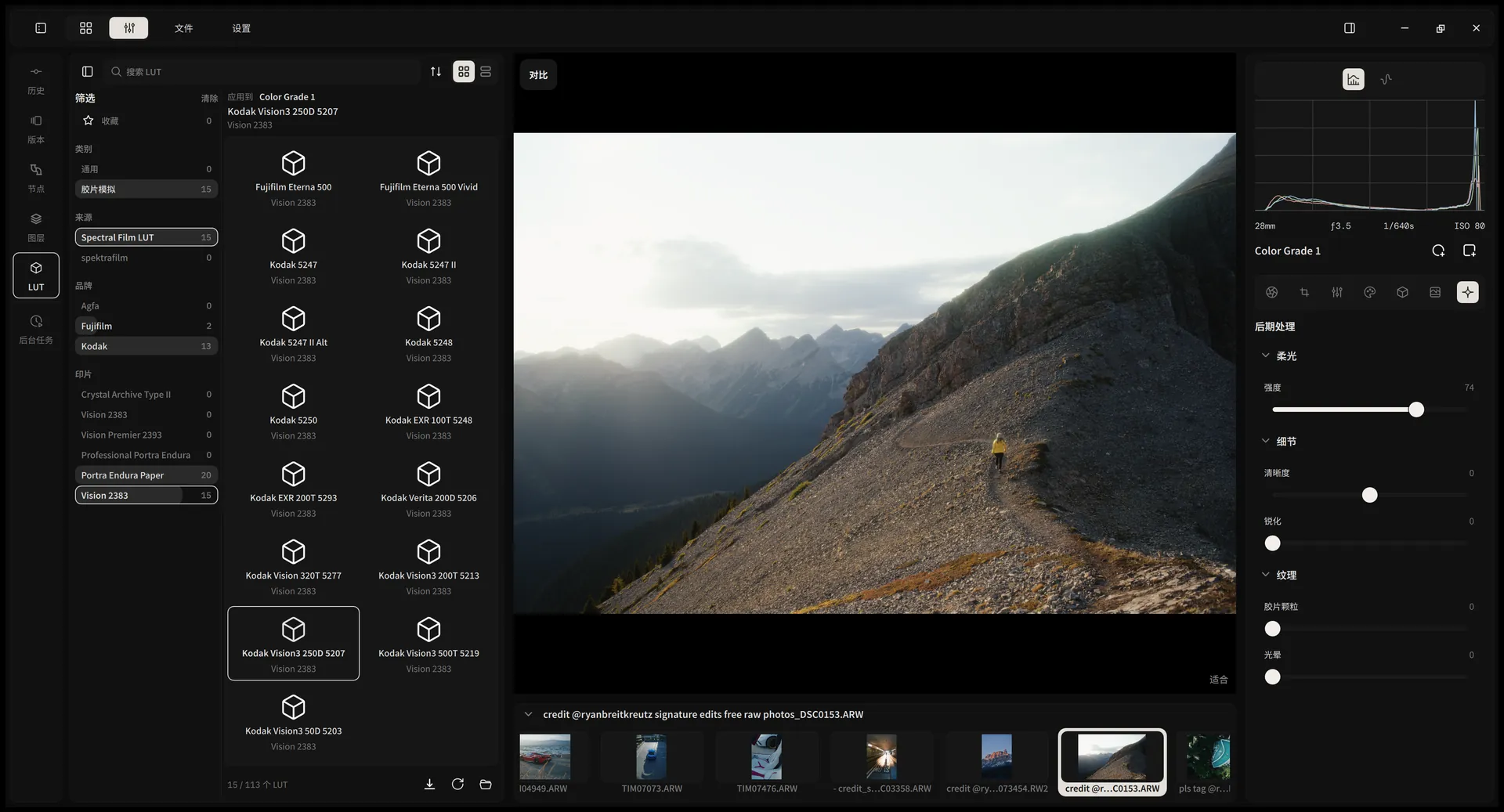
Browse film LUTs by category, brand, and print stock, and click to apply one to the selected grade node. Tell Alcedo what a LUT expects, and it converts out of ACES and back for you.
Any LUT, any camera
26 input and output encodings, from ARRI LogC, S-Log3, V-Log, and Apple Log to sRGB, PQ, and HLG. Set them once and Alcedo remembers them for that LUT.
Film stocks on demand
Download the official Spectral Film LUT and spektrafilm packages in Settings, signature-checked, or add your own .cube files.
Black mist diffusion
A diffusion filter gives bright lights a soft glow and keeps midtones sharp, next to clarity, sharpening, grain, and halation.
Tools
Every tool where you expect it.
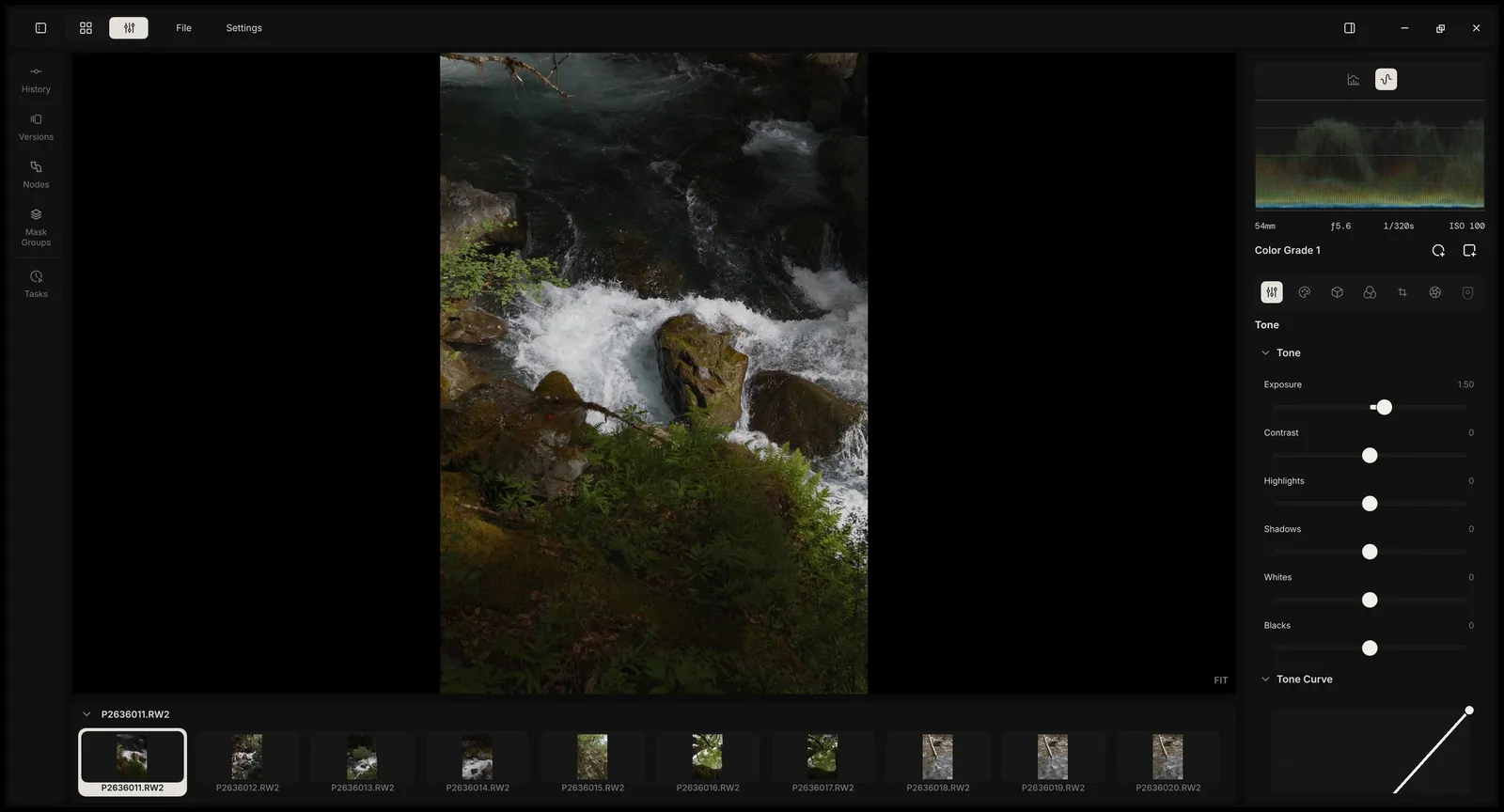
The controls are laid out the way photographers think. No modules to assemble, no search bar to find the shadows slider.
- Exposure
- Contrast
- Highlights
- Shadows
- Whites
- Blacks
- White balance
- Tone curve
- Color wheels
- Clarity
- Sharpen
- Selective color
- Local tone mapping
- Radial masks
- Linear masks
- LUT browser
- Film stocks
- Grain
- Halation
- Diffusion
- Lens correction
- Versions
- Compare
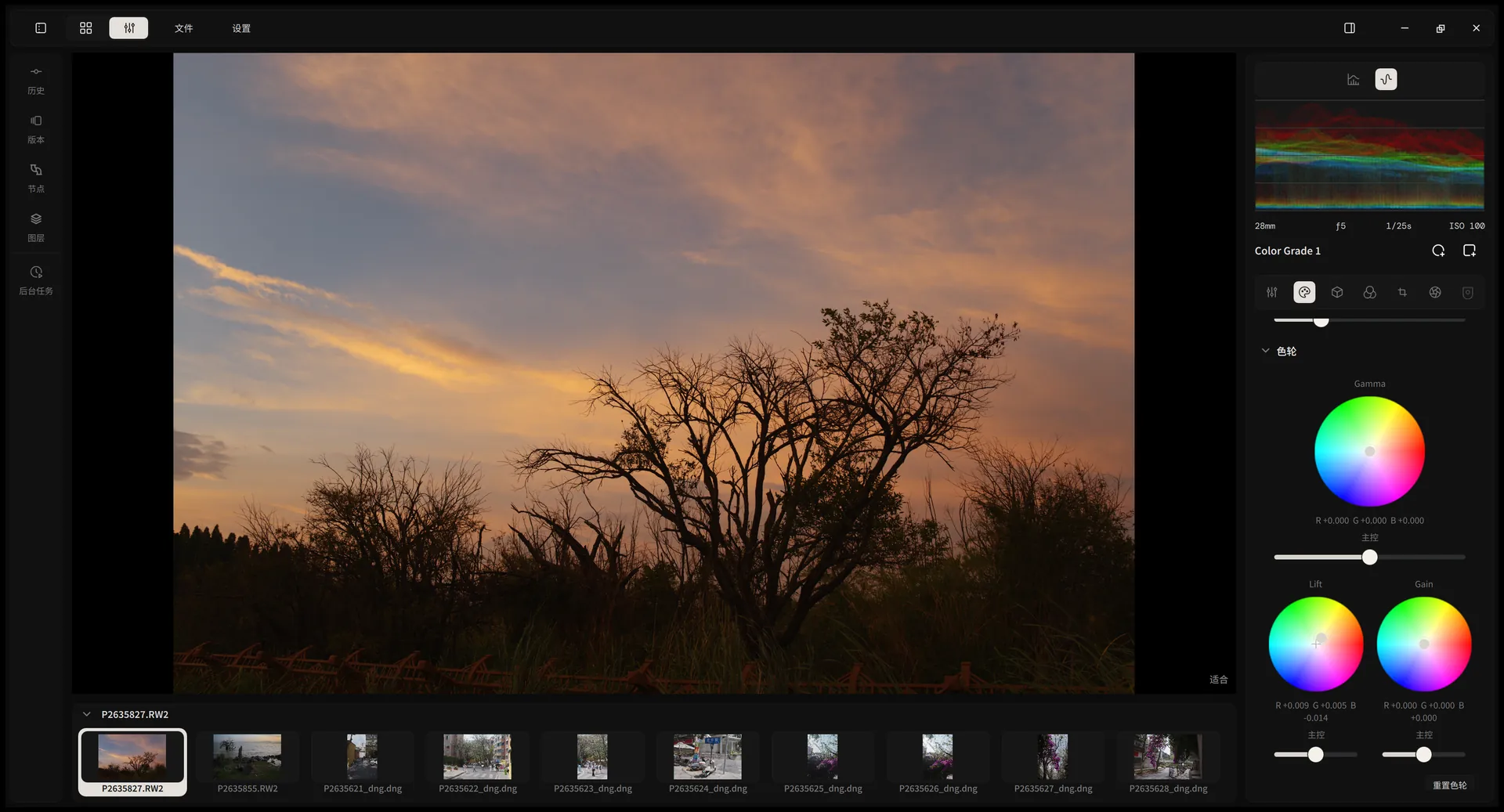
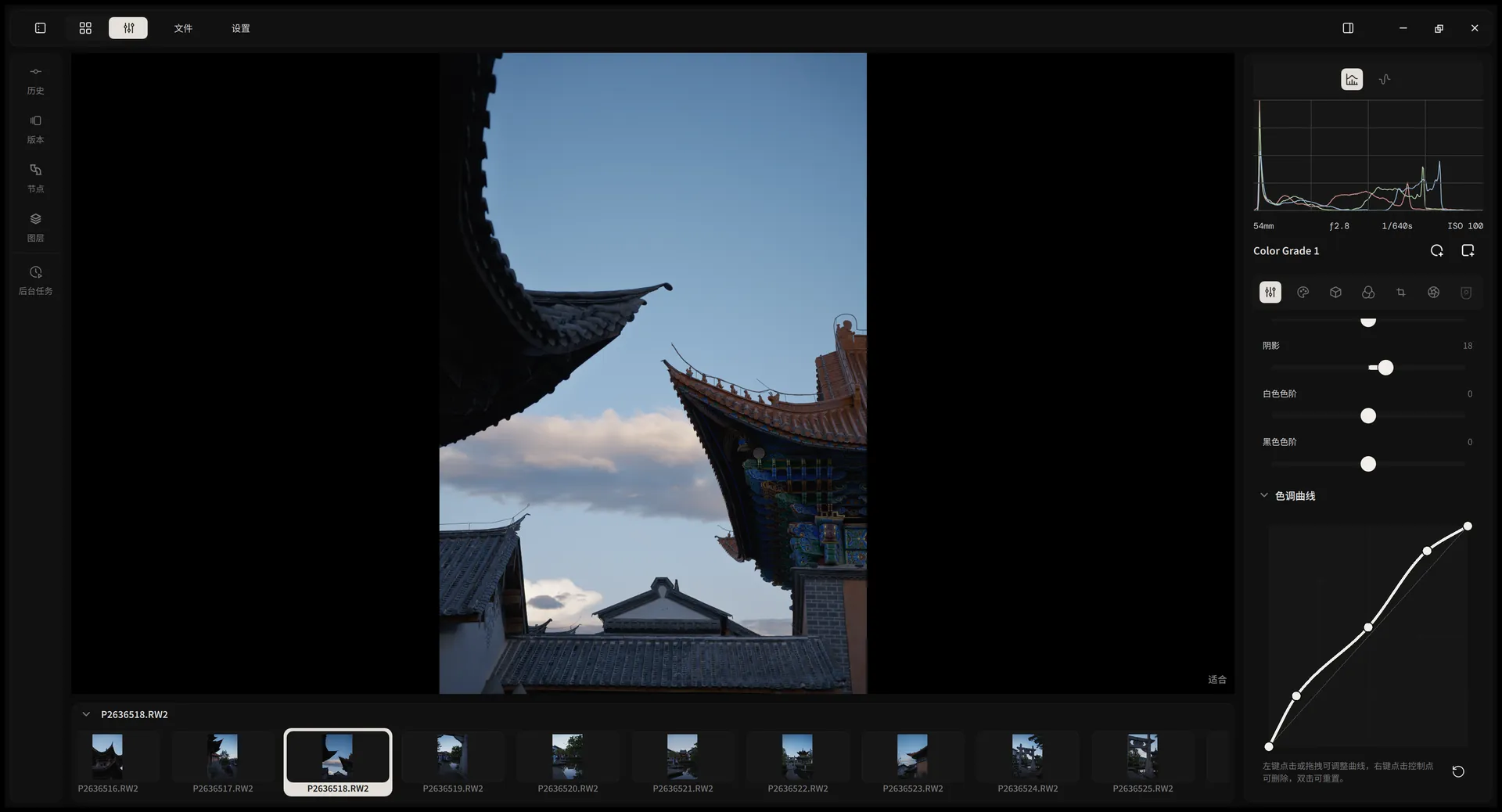
- Color wheels
- Tone curve
- LUT browser
Performance
Heavy edits. No waiting.
Stack grade nodes and masks, and every slider still answers in real time. Alcedo re-renders only what you changed, entirely on the GPU: CUDA, OpenCL, or Metal.
- DevelopCached
- Grade 1Reused
- Grade 2Adjusting
- Grade 3Recomputed
- DRTRecomputed
- 60fpspreview while you drag a slider
- 2000×faster search in a 20,000-photo library
- 150MBof memory while importing 20,000 photos
Library figures: developer benchmarks of 0.2.9 against 0.3.0 with 20,000 photos. Results vary with hardware.
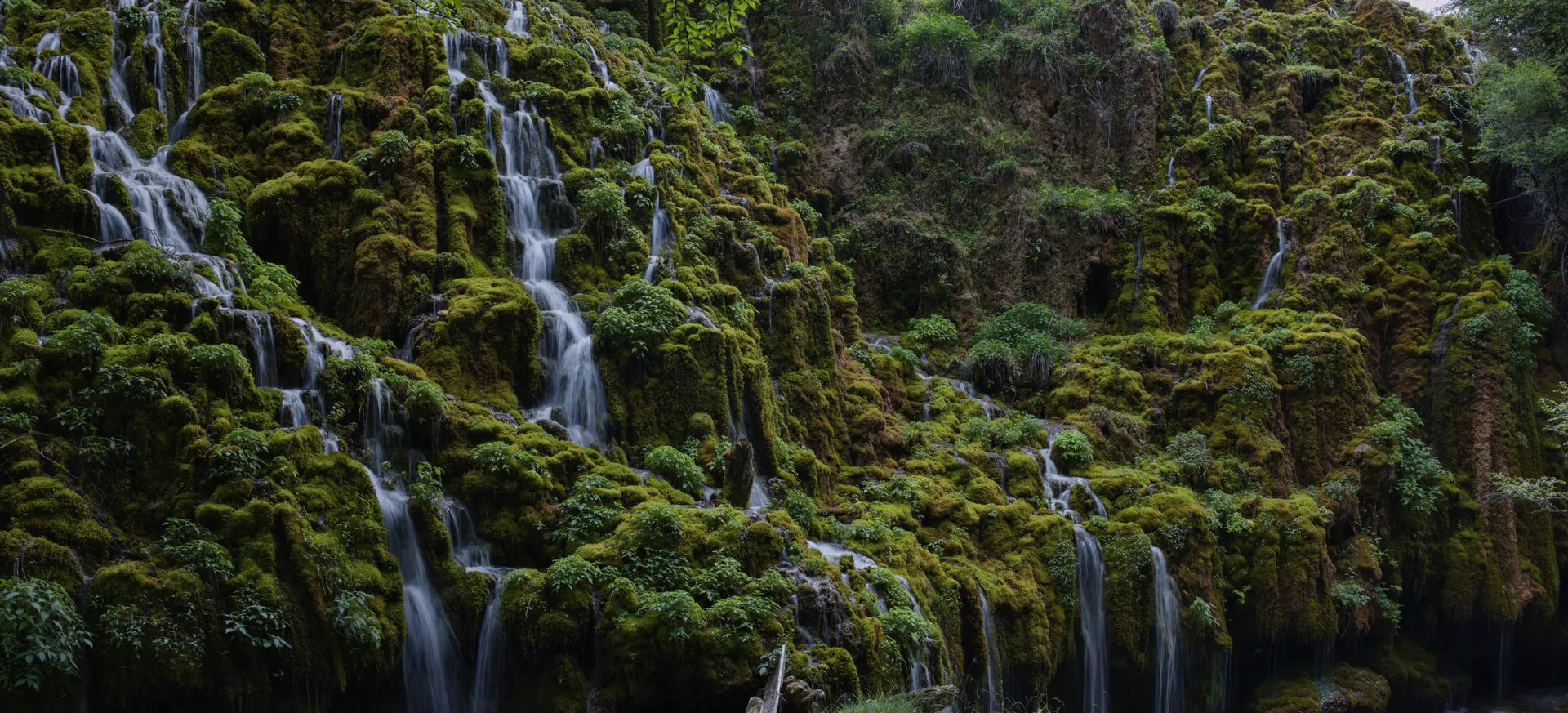
Beautiful from the first frame.
ACES 2.0 and OpenDRT give every RAW a rich, filmic starting point instead of a flat one. Accurate color for current cameras, neural demosaicing for Fujifilm X-Trans, and 113 film stocks from spectral film models. JPEG, TIFF, PNG, and OpenEXR files join the same pipeline.
Grading
Grade like a colorist.
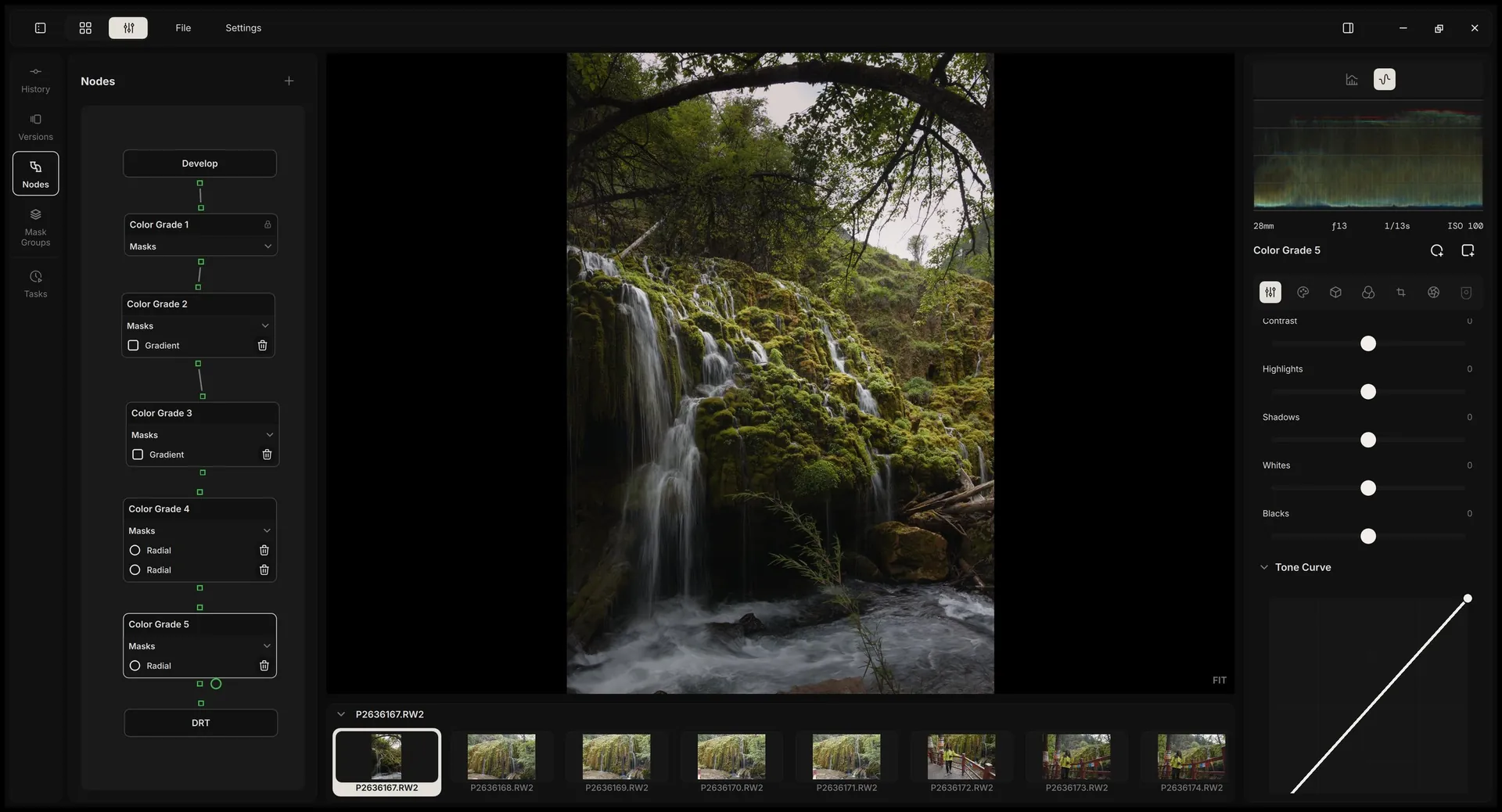
Build a look from nodes, the way film colorists do. Each node carries the full toolset and its own radial and linear masks, drawn directly on the image.
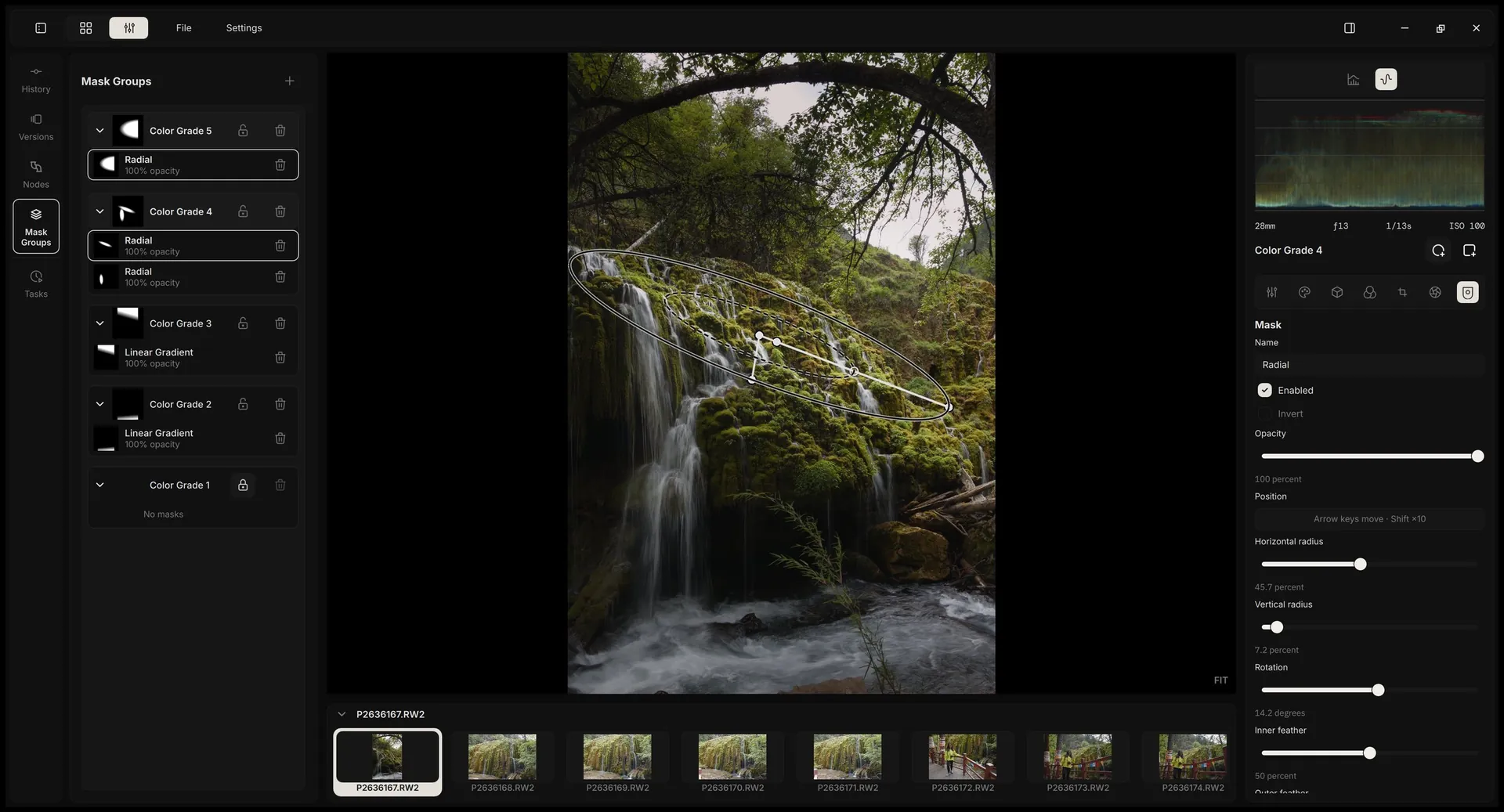
Stack without limits
Add as many Color Grade nodes as the photo needs. Default layers are locked against accidents.
Masks on the canvas
Drag center, radius, and rotation; feather the inside and outside edges separately.
Undo anything
Every node and mask change is part of the history and your named versions.
Design
The interface steps back. Your photos step forward.
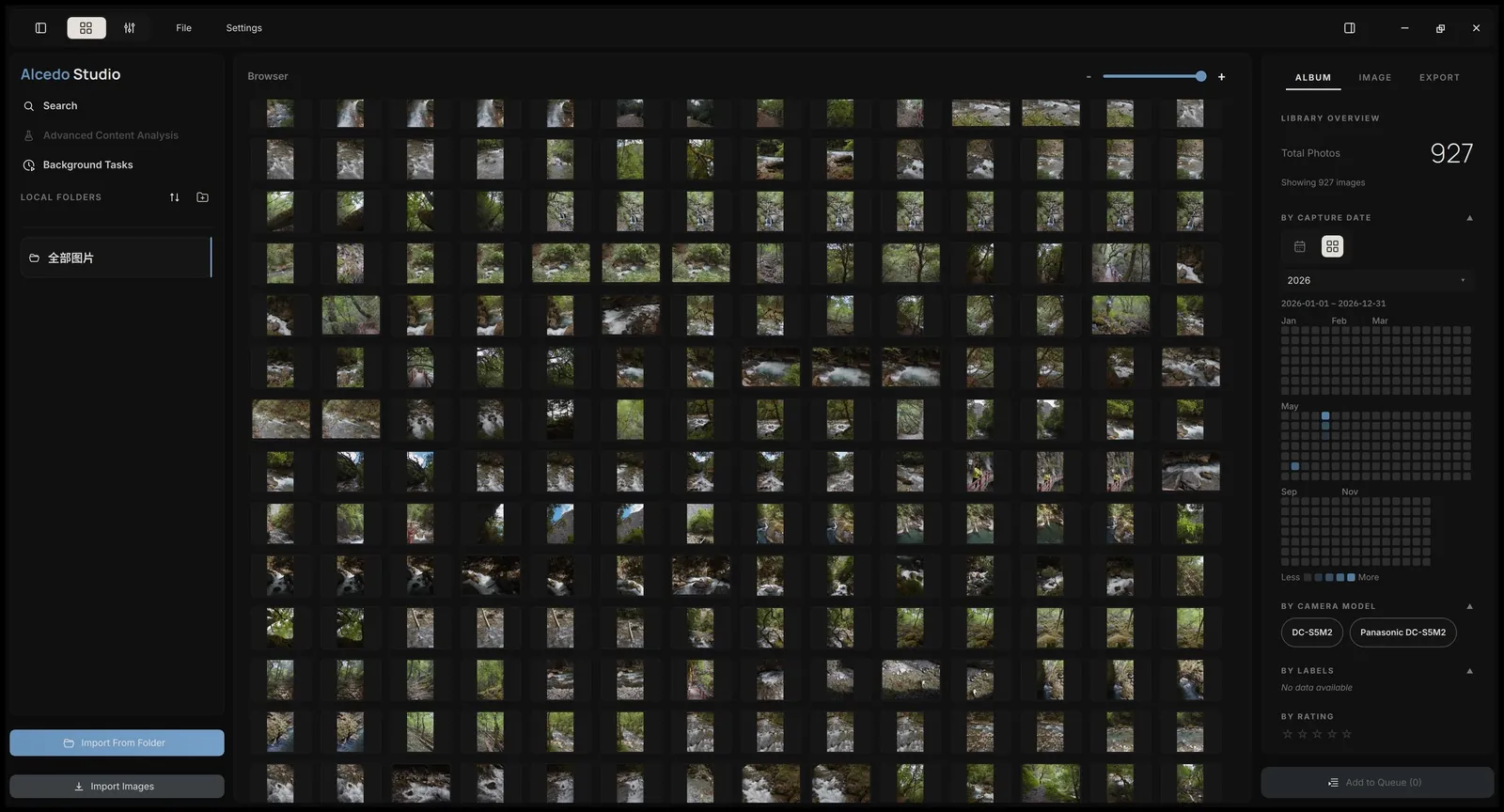
A calm, modern interface built natively for Windows and Mac. Library and editor share one window and one project file.
Free. Open source. Yours.
No subscription and no account. Your library lives on your computer, and every line of code is on GitHub under GPL-3.0.
Get Alcedo Studio
Free and open source, for Windows and Apple Silicon Mac.
Windows 10/11 x64 · Apple Silicon Mac · Free and open source (GPL-3.0)
Upgrading? LUTs are no longer in the installer: download the official packages in Settings > LUTs. Projects from 0.2.9 or earlier can't be opened in 0.3.